
🚀 Make Your Notes Smarter with AI! Exciting New Features in Goodnotes 6
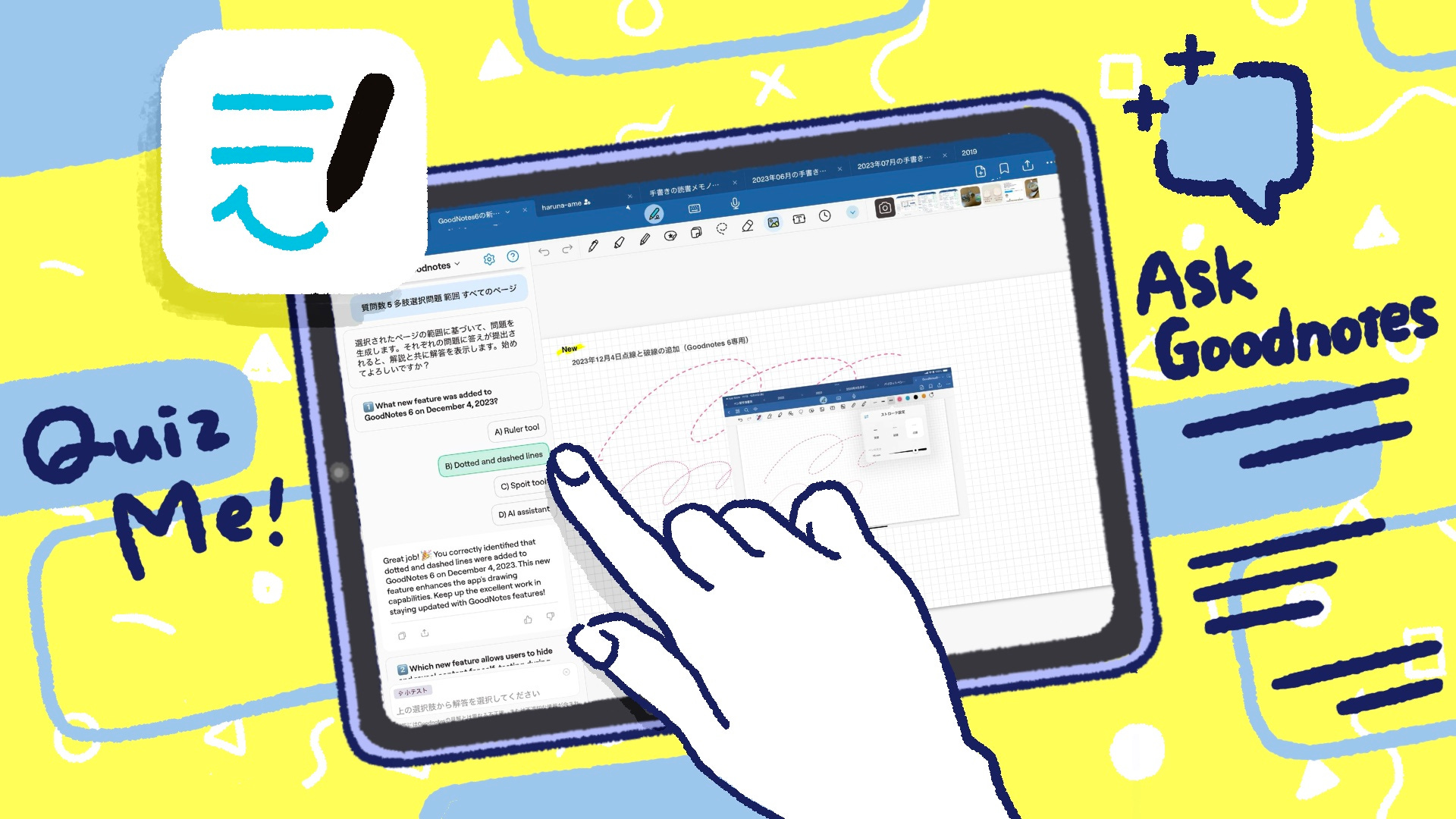
Create Personalized Quizzes Easily with Ask Goodnotes

👋 Hi, it's Haruna here.
Today’s topic is all about the new Ask Goodnotes feature in Goodnotes 6 and how it takes your digital note-taking experience to the next level.
🆕 Exciting New Features Announced at Goodnotes Events
Have you tried the new Ask Goodnotes feature introduced in the latest update for Goodnotes 6?
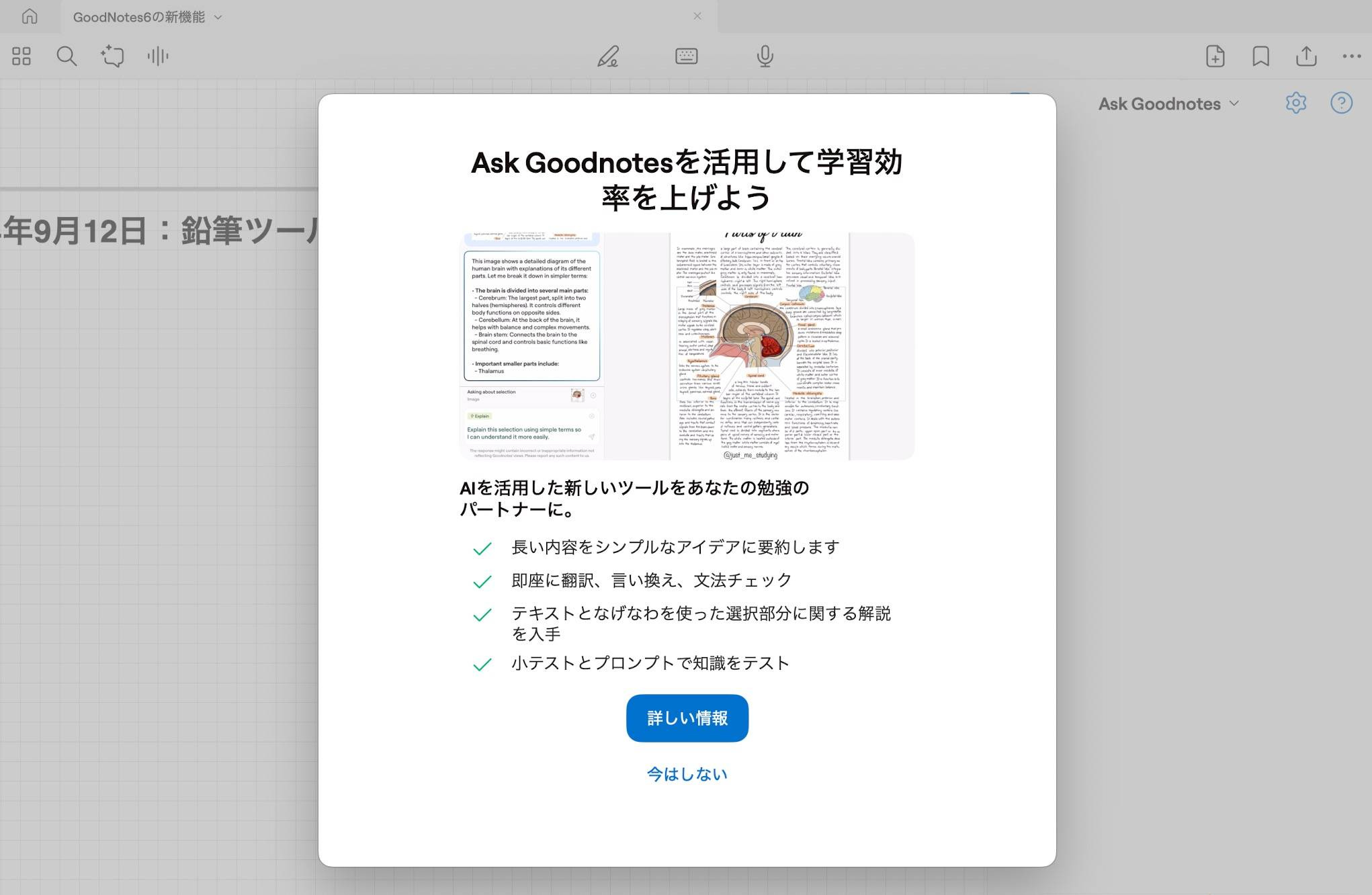
While this feature has been available in beta for a while, it was officially released with version 6.5.0 on September 23. (Note: this feature is not available in Goodnotes 5.)
Other updates include features like Smart Ink (not yet compatible with Japanese) to enhance handwritten notes and Math Assist to simplify mathematical calculations. Together, they elevate the digital note-taking experience to the next level.
💬 Ask Goodnotes
Ask Goodnotes, built into Goodnotes 6, is essentially an AI-powered assistant for your notes. It can analyze handwritten notes and imported PDFs, allowing you to interact with the information by asking questions and receiving instant answers.
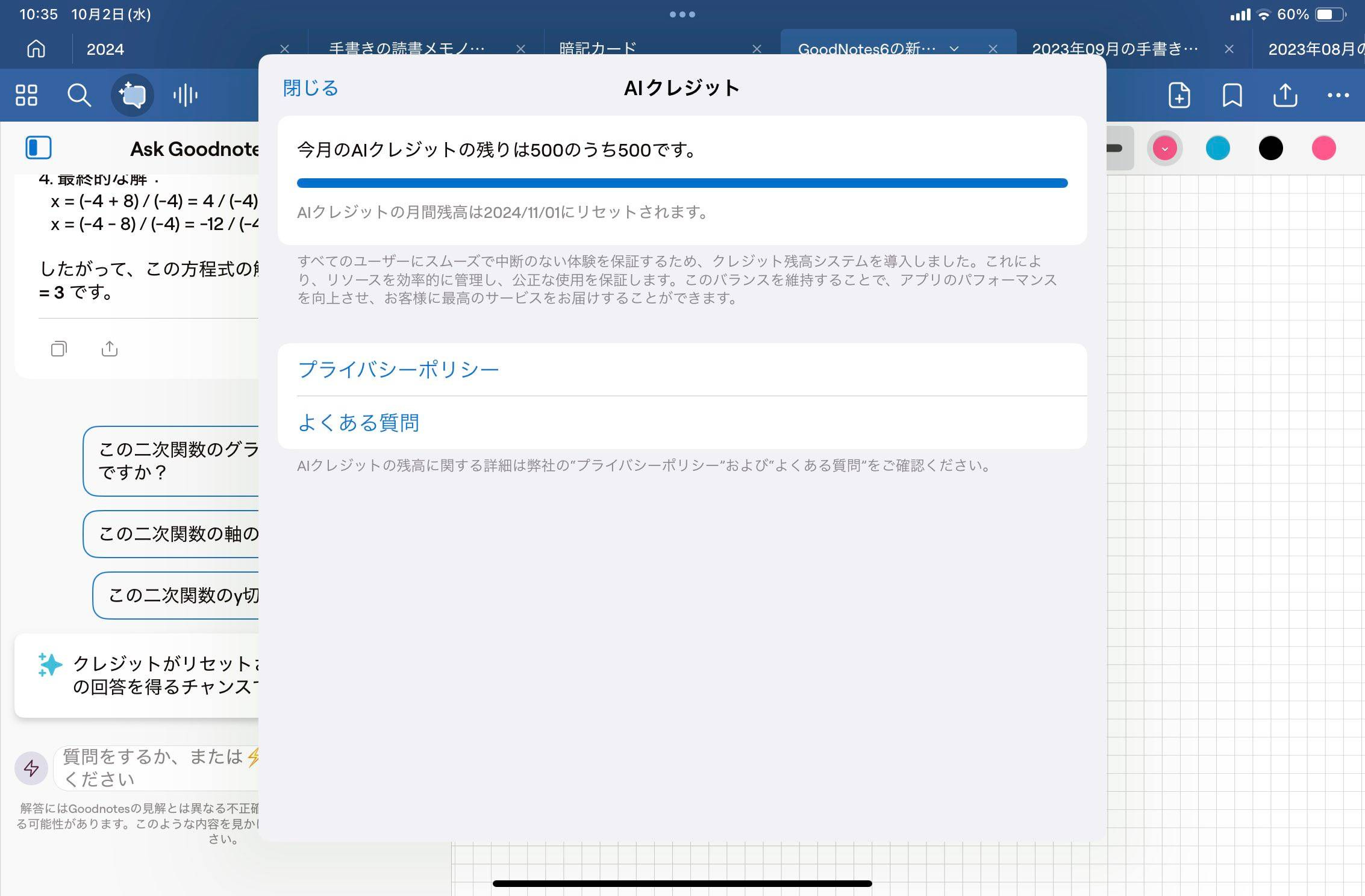
This feature is currently free for Goodnotes 6 users, offering 500 credits per month (1 question = 1 credit). The credits reset every month.
If you don’t have time to go through a massive document, Ask Goodnotes can summarize it for you. AI will scan PDFs or handwritten notes saved in Goodnotes and provide a concise summary. You can also use the selection tool to focus on specific sections and ask questions or request summaries for just those parts.
For example, if you upload meeting minutes to Goodnotes and ask, “What was the conclusion of this meeting?” the AI will extract the relevant information for you in seconds—saving you the time and effort of skimming through pages of text.
🖋 Smart Ink
The Smart Ink feature, currently available in English, improves the editing of handwritten text.
With this feature, you can select handwritten text, adjust its layout by moving bounding boxes, and even rearrange or reformat the content effortlessly.
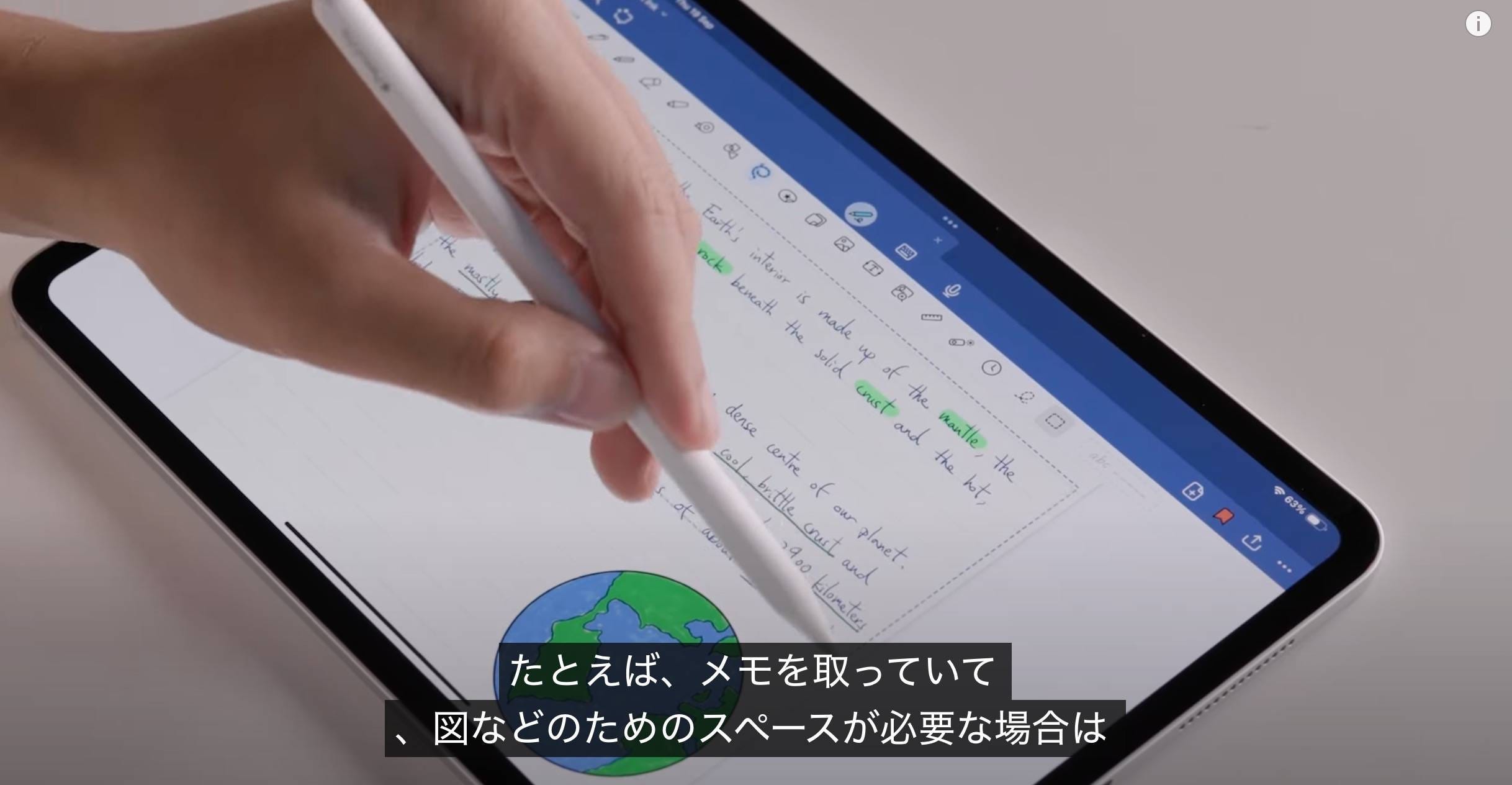
For example, it ensures that text isn’t awkwardly split across lines, much like editing a text box in Word or Pages.
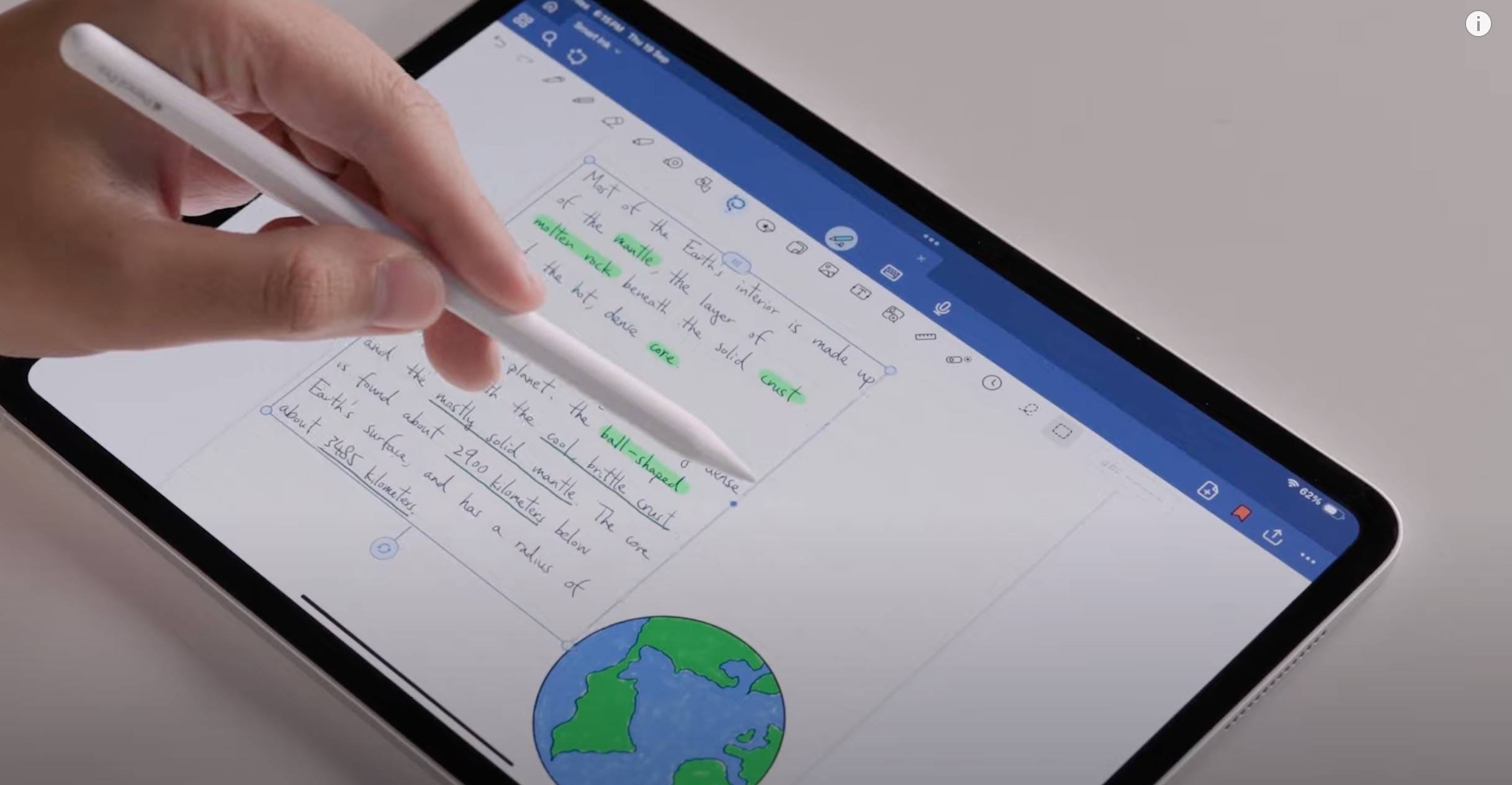
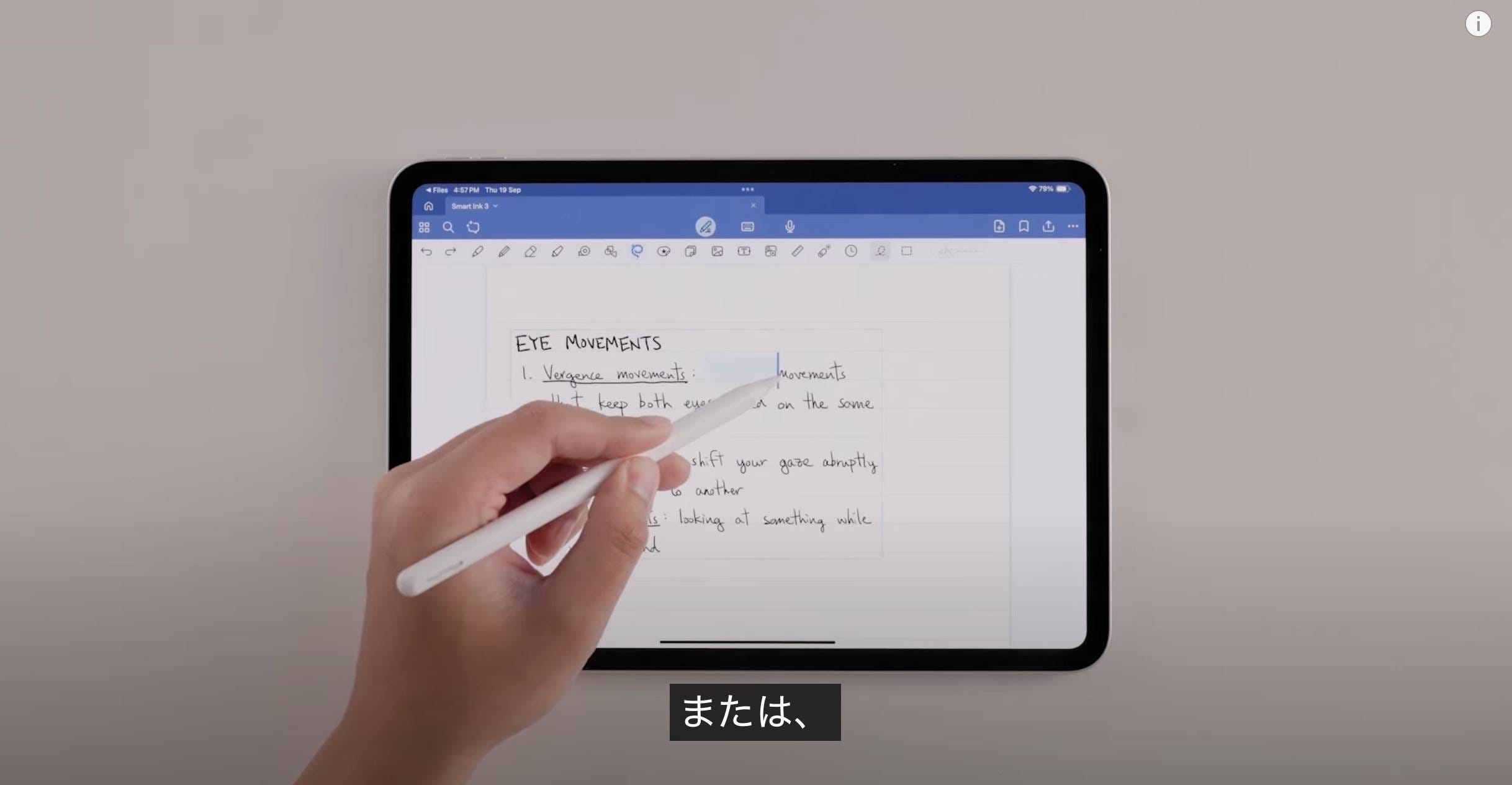
You can also easily insert spaces between lines or adjust the alignment of your notes.
Additionally, it lets you left-align, center-align, or right-align handwritten text—just like working with typed text.
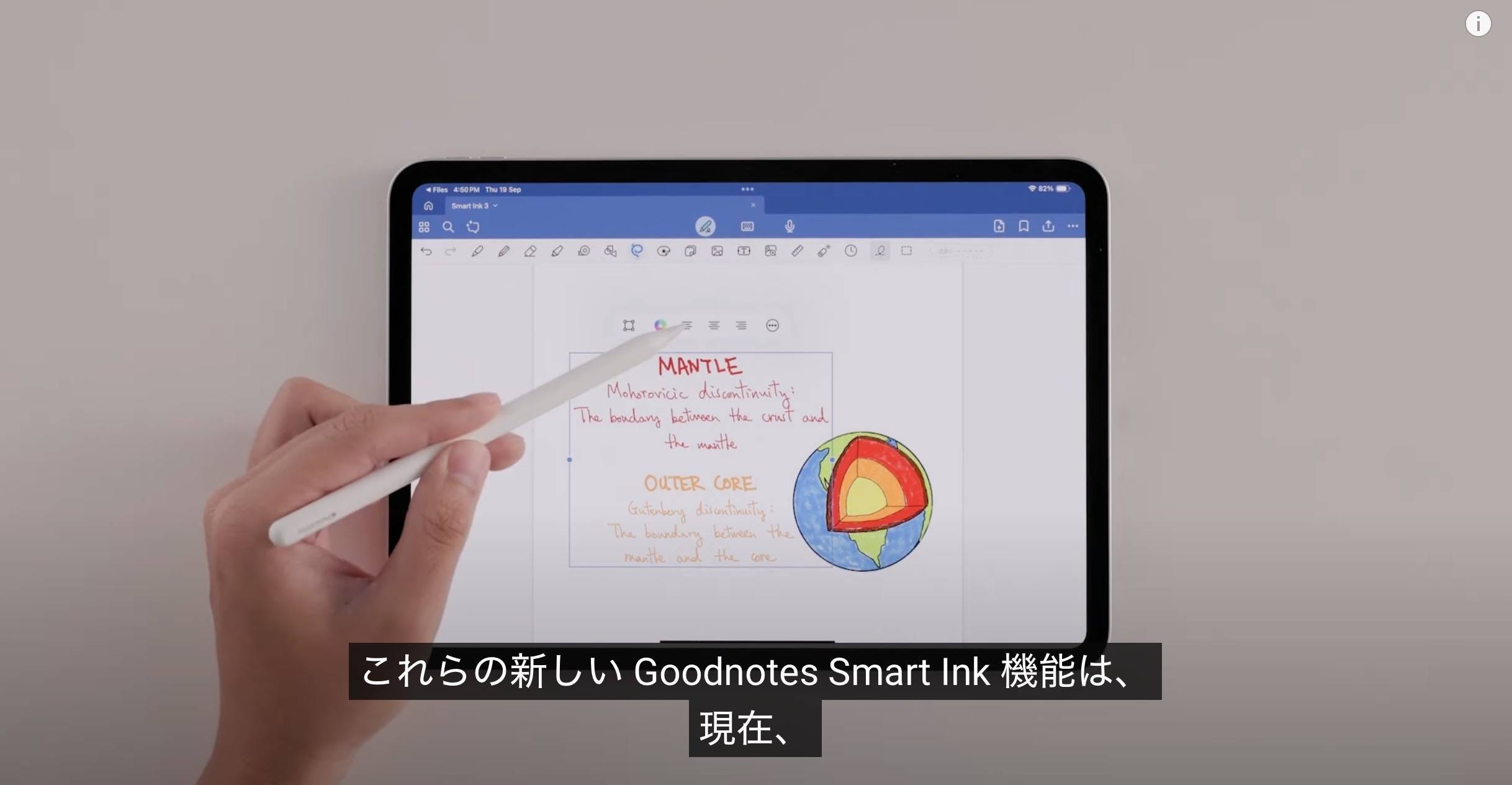
For anyone who takes handwritten notes, these features make organizing and editing much easier, allowing you to format bulleted lists, adjust paragraph spacing, and create polished notes effortlessly.
➕ Math Assist
The Math Assist feature can solve equations instantly, no matter how complex. Simply write an equation, and the AI will calculate the answer.
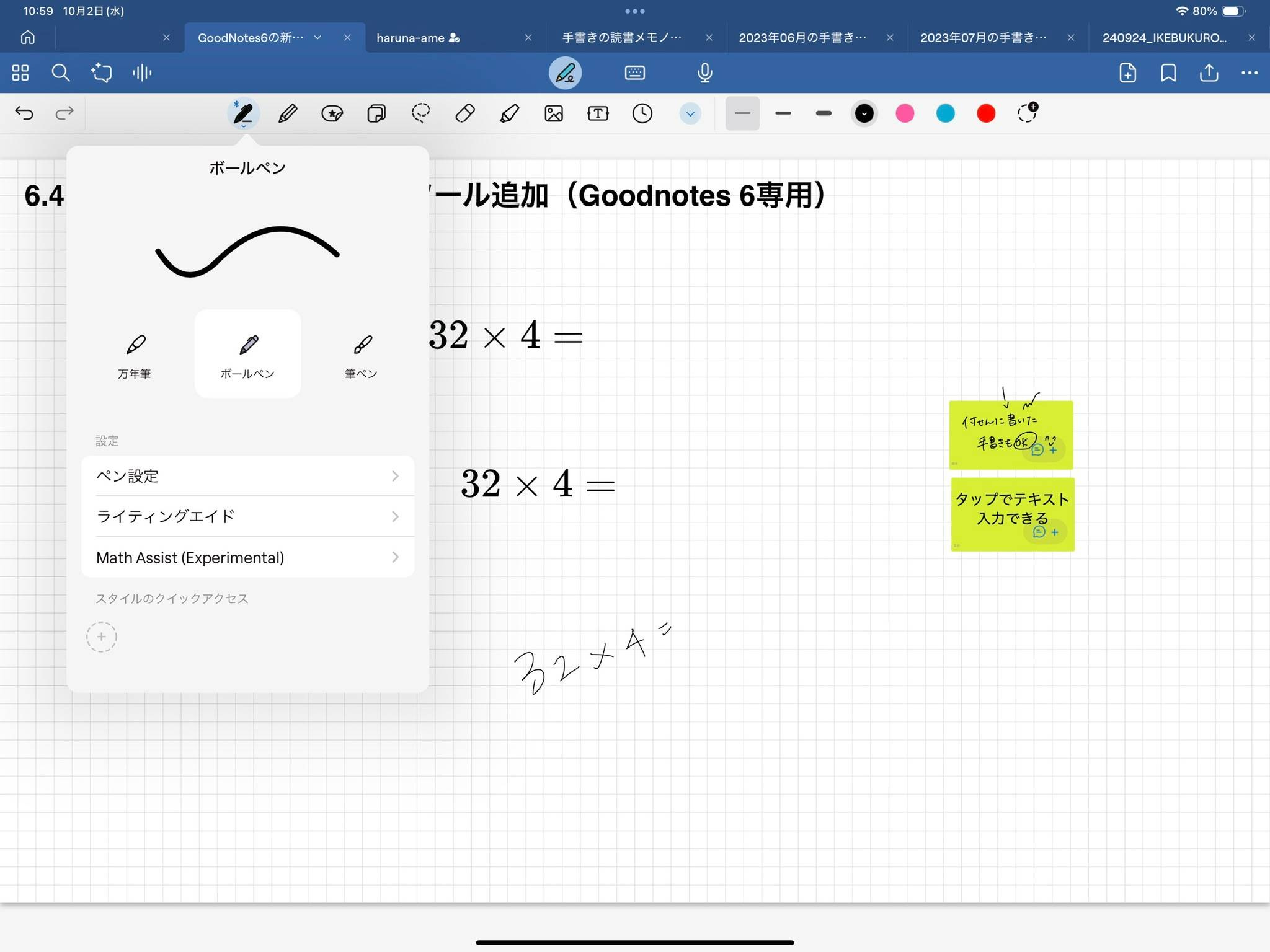
When the AI recognizes a math equation, the text will be highlighted in blue. Tap it to bring up the “Solve” option.
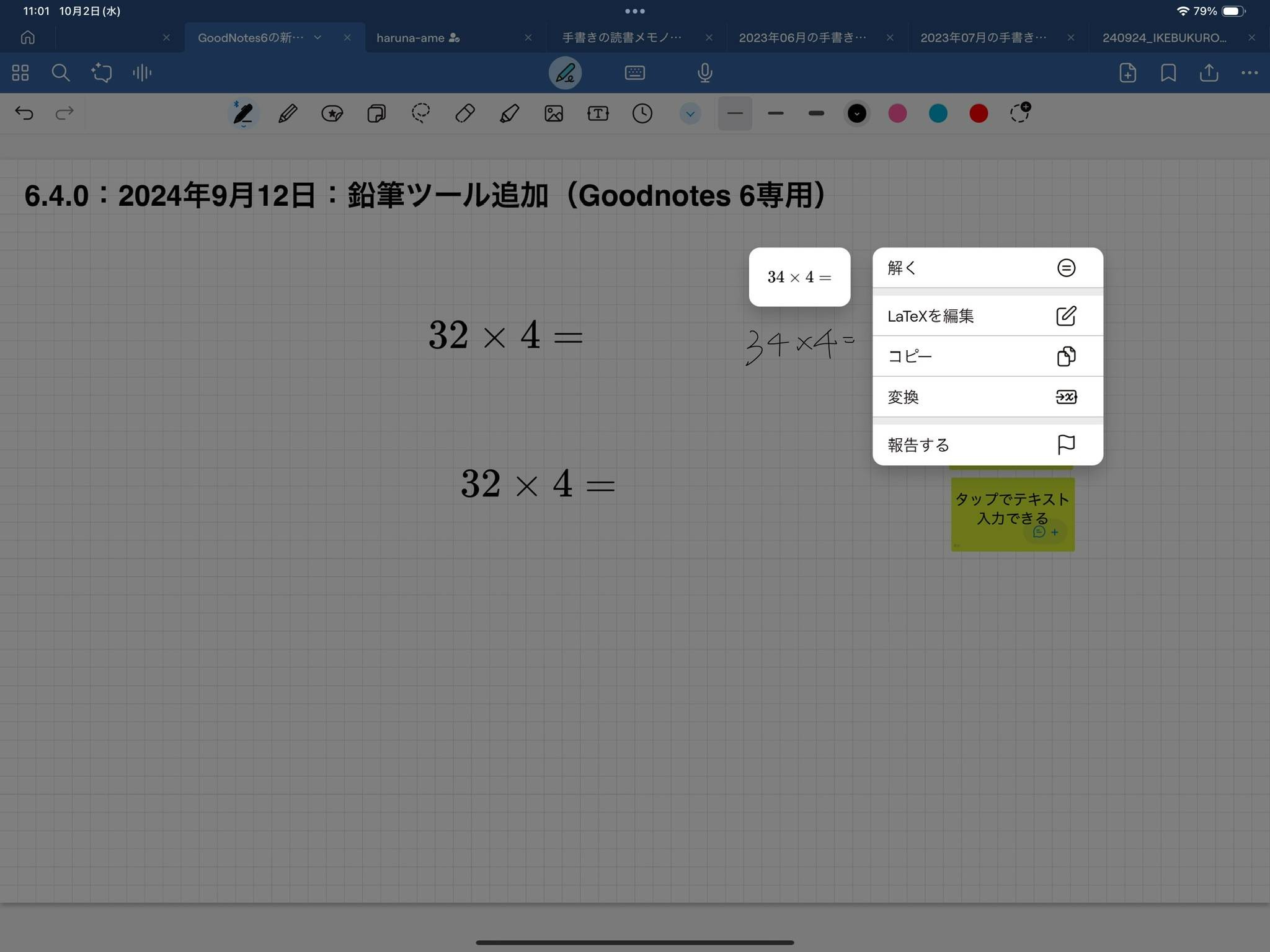
Tapping “Solve” will display the solution in blue text. You can even choose how the result is displayed: as fractions, mixed fractions, or decimals.
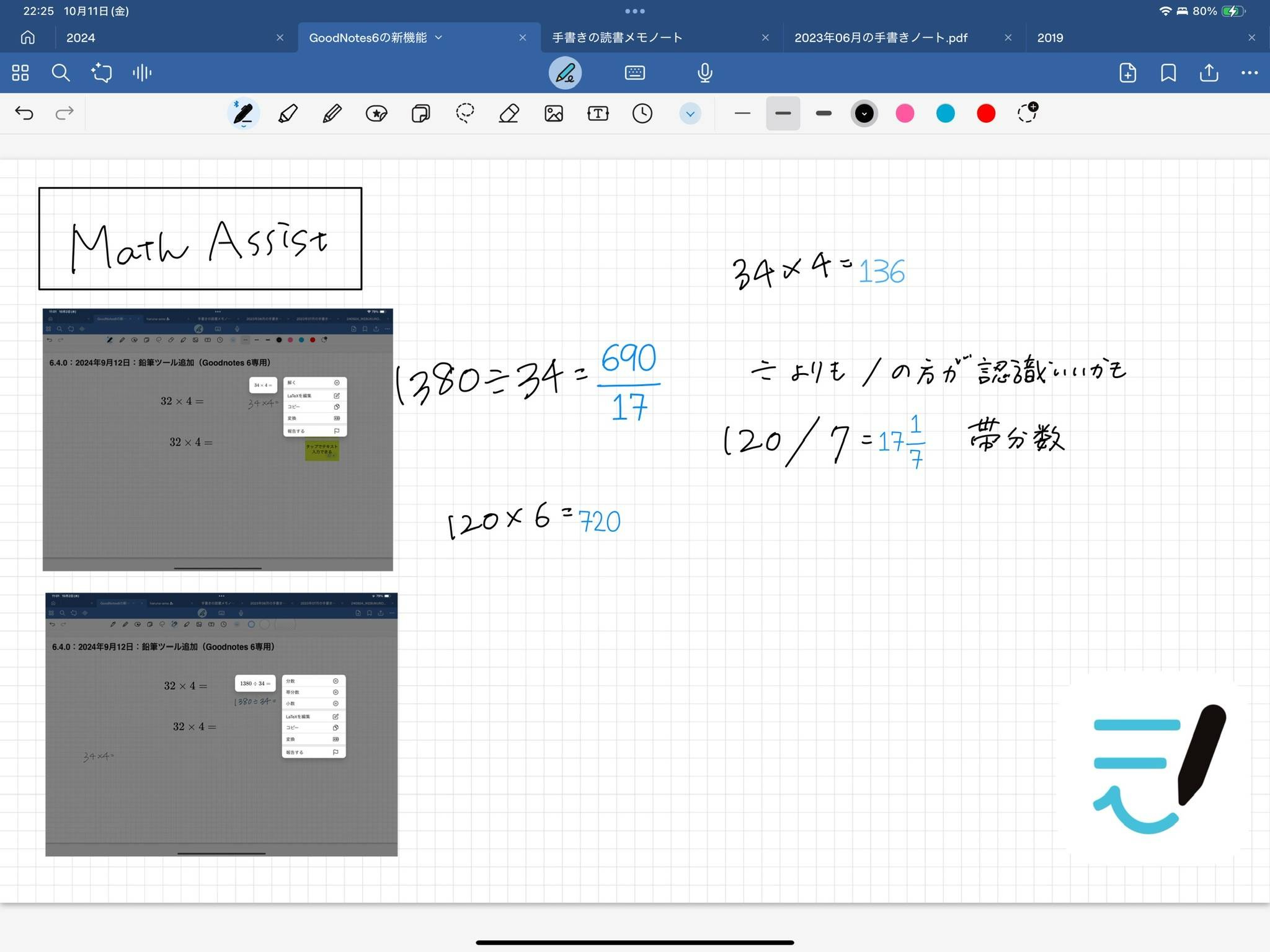
From basic arithmetic and algebra to calculus and trigonometry, Math Assist covers a wide range of topics, making it particularly useful for students and professionals in technical fields.
These three major features are game changers for digital note-taking.
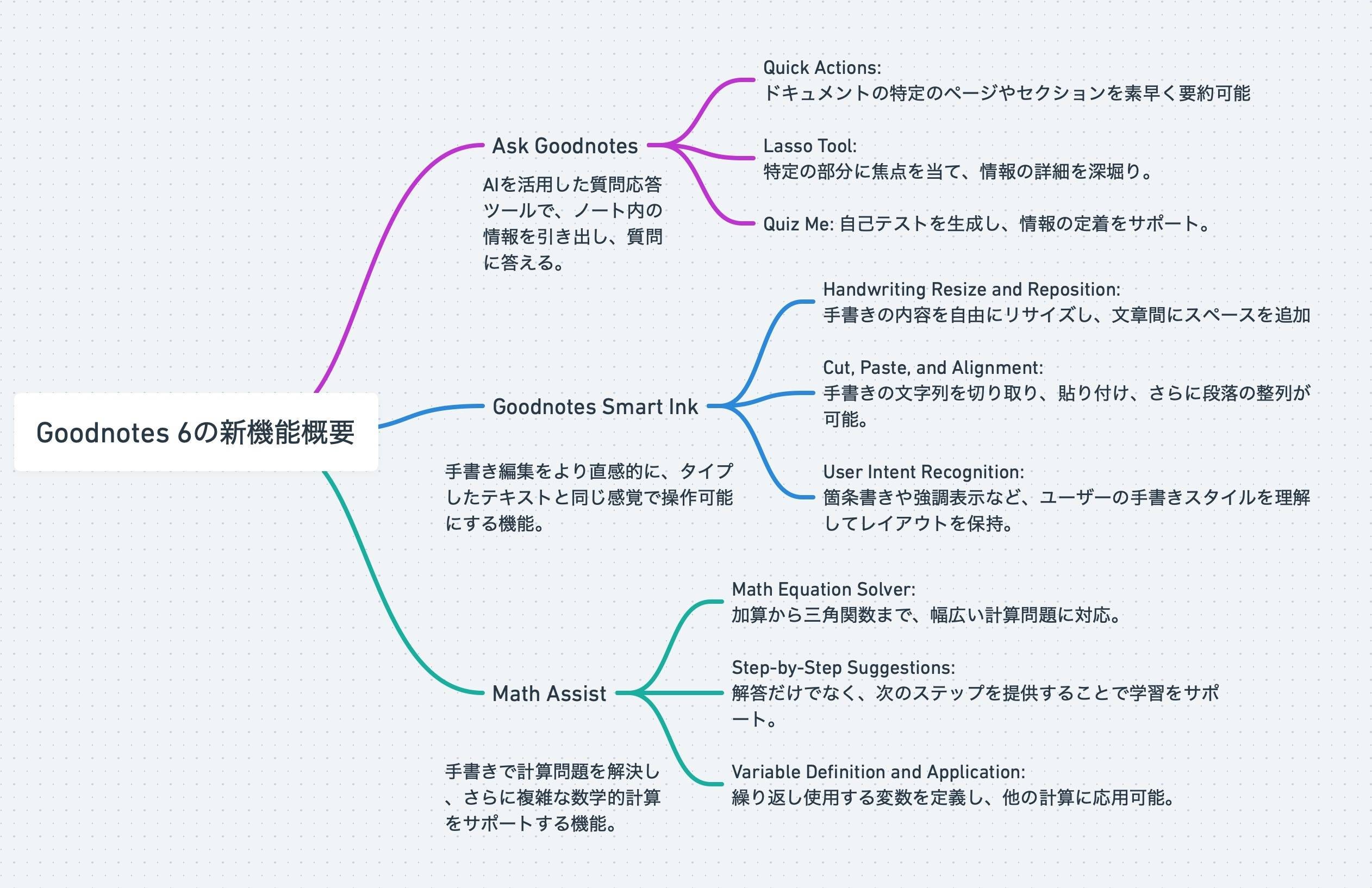
For a summary, check out Goodnotes’ official livestream event page.
✏️ Use Ask Goodnotes to Create Personalized Quizzes
Ask Goodnotes goes beyond answering questions. It can also automatically generate quizzes based on the content of your notes through a feature called Quiz Me.
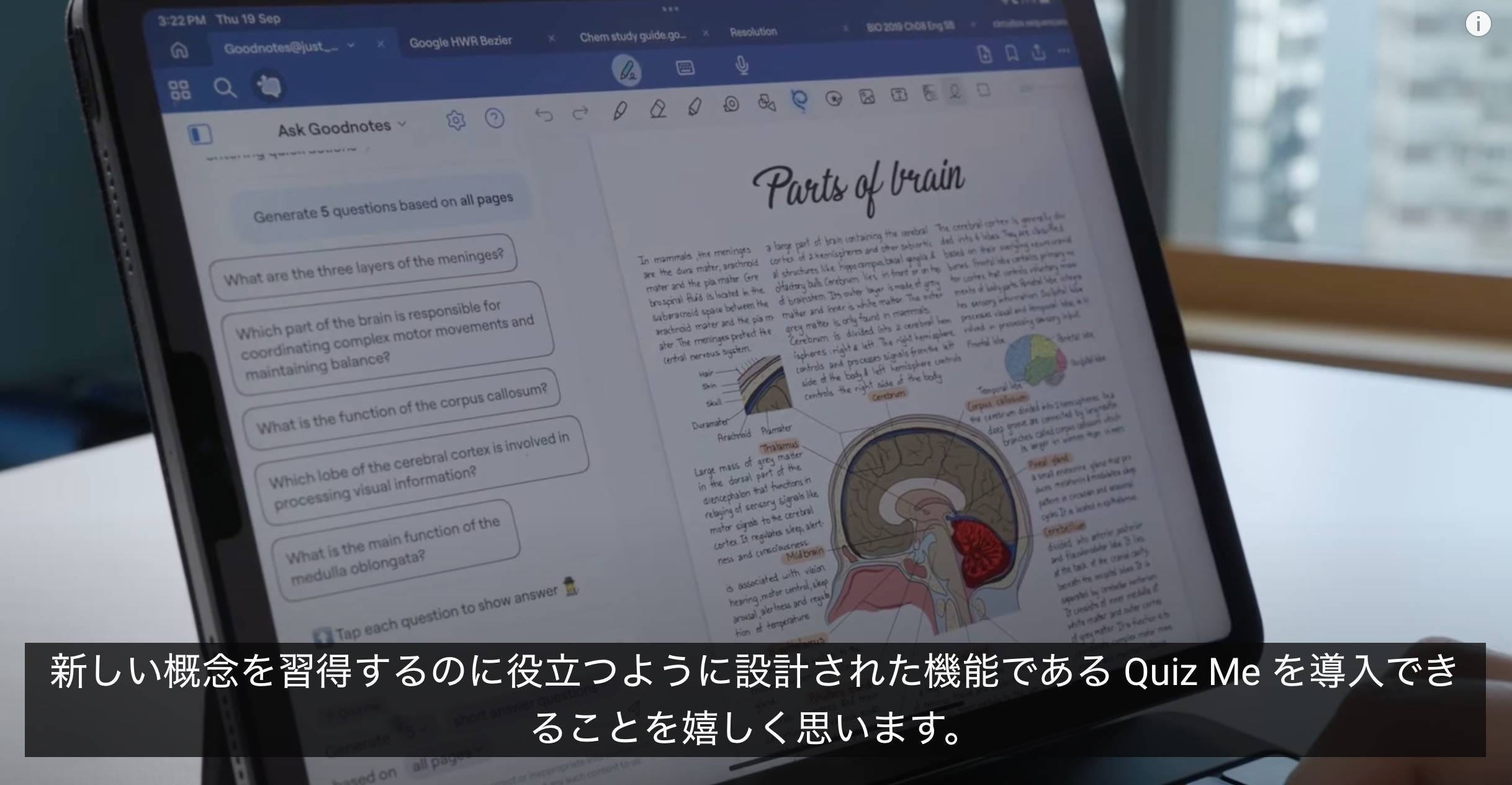
Open Ask Goodnotes and tap the ⚡️ lightning bolt icon for quick actions. Select “Quiz Me.”
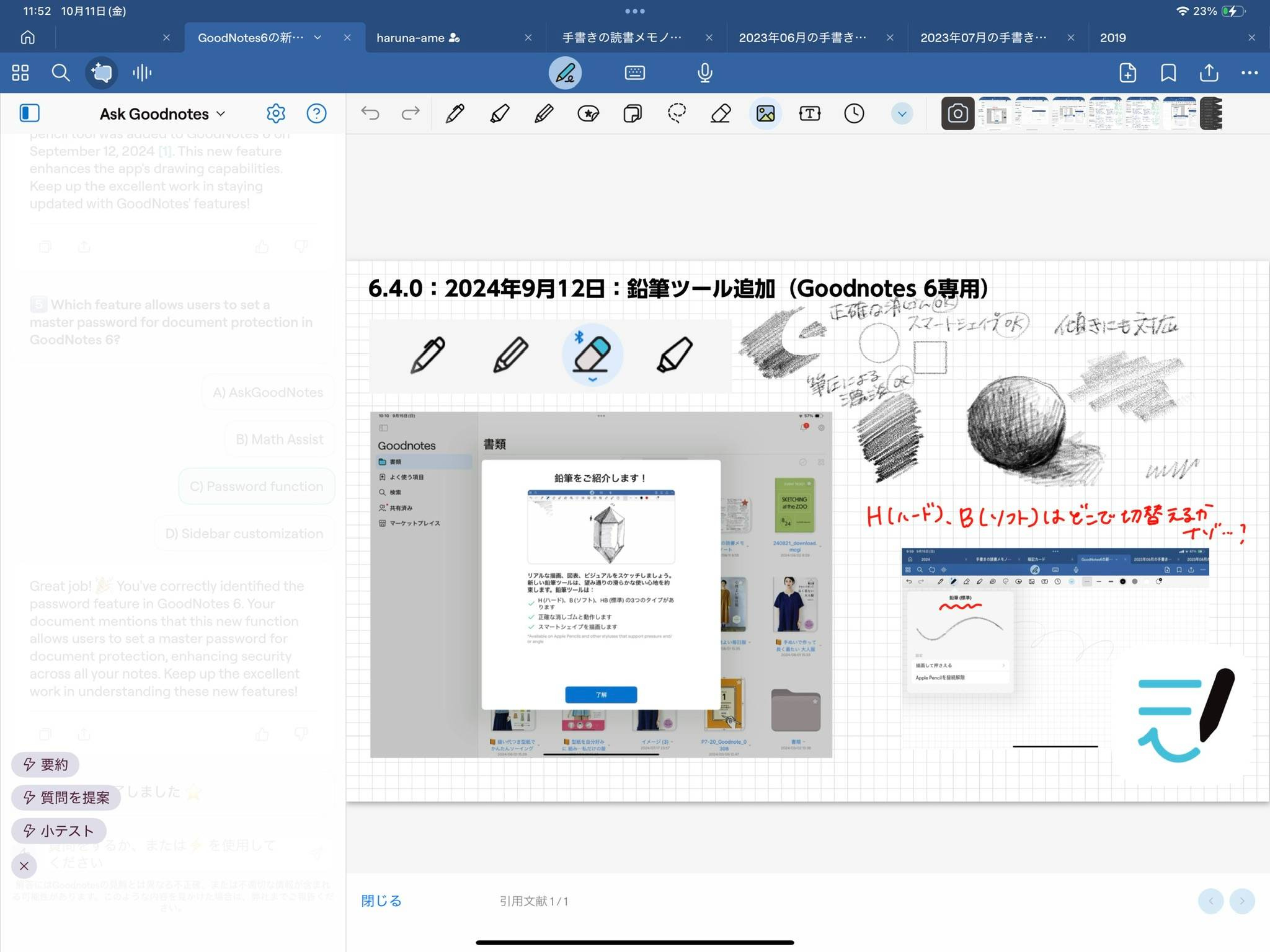
You can specify the number of questions, the answer format (multiple-choice or written), and the scope of the quiz.
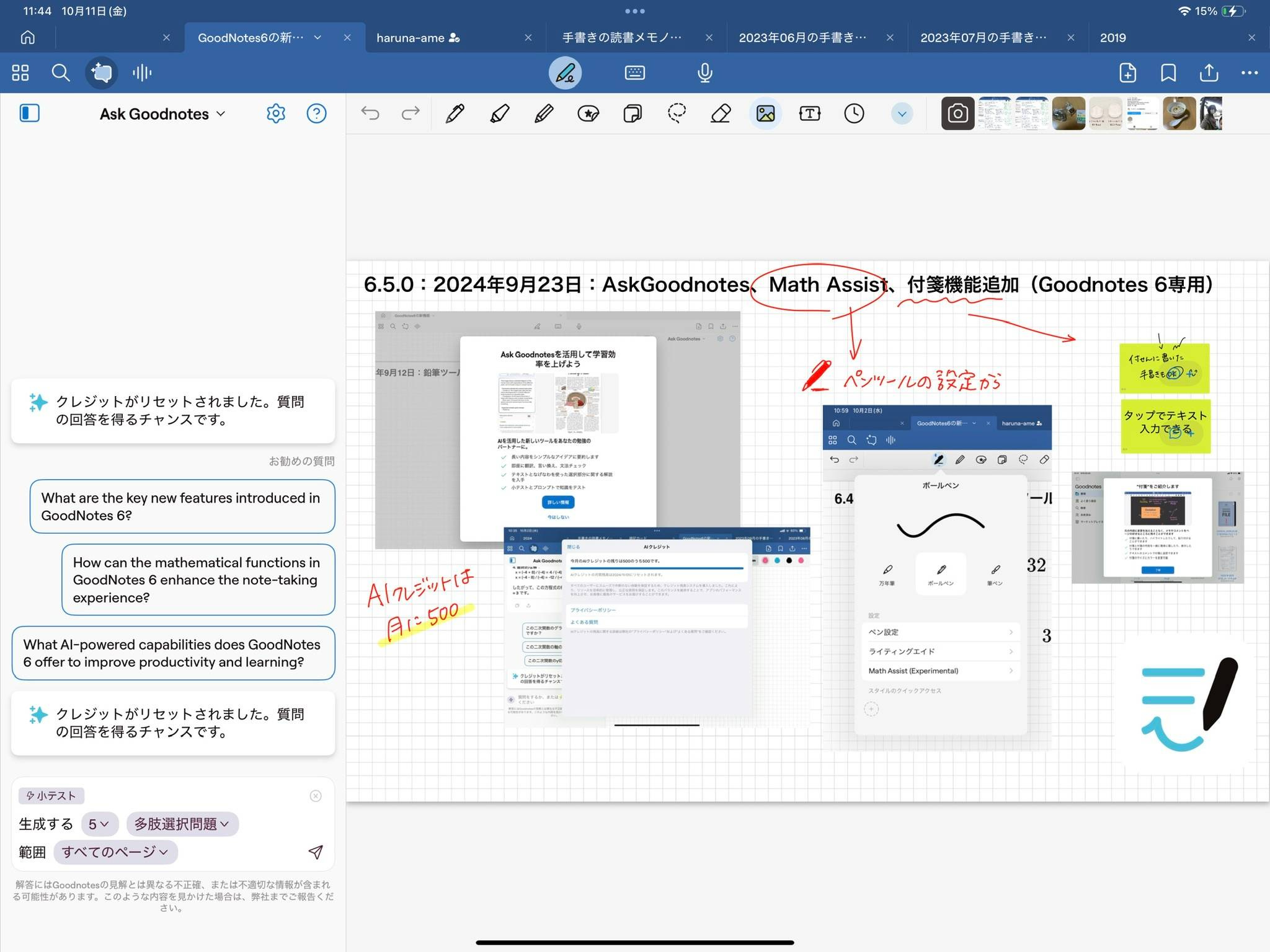
After tapping the paper airplane icon to send, the system will generate your quiz.
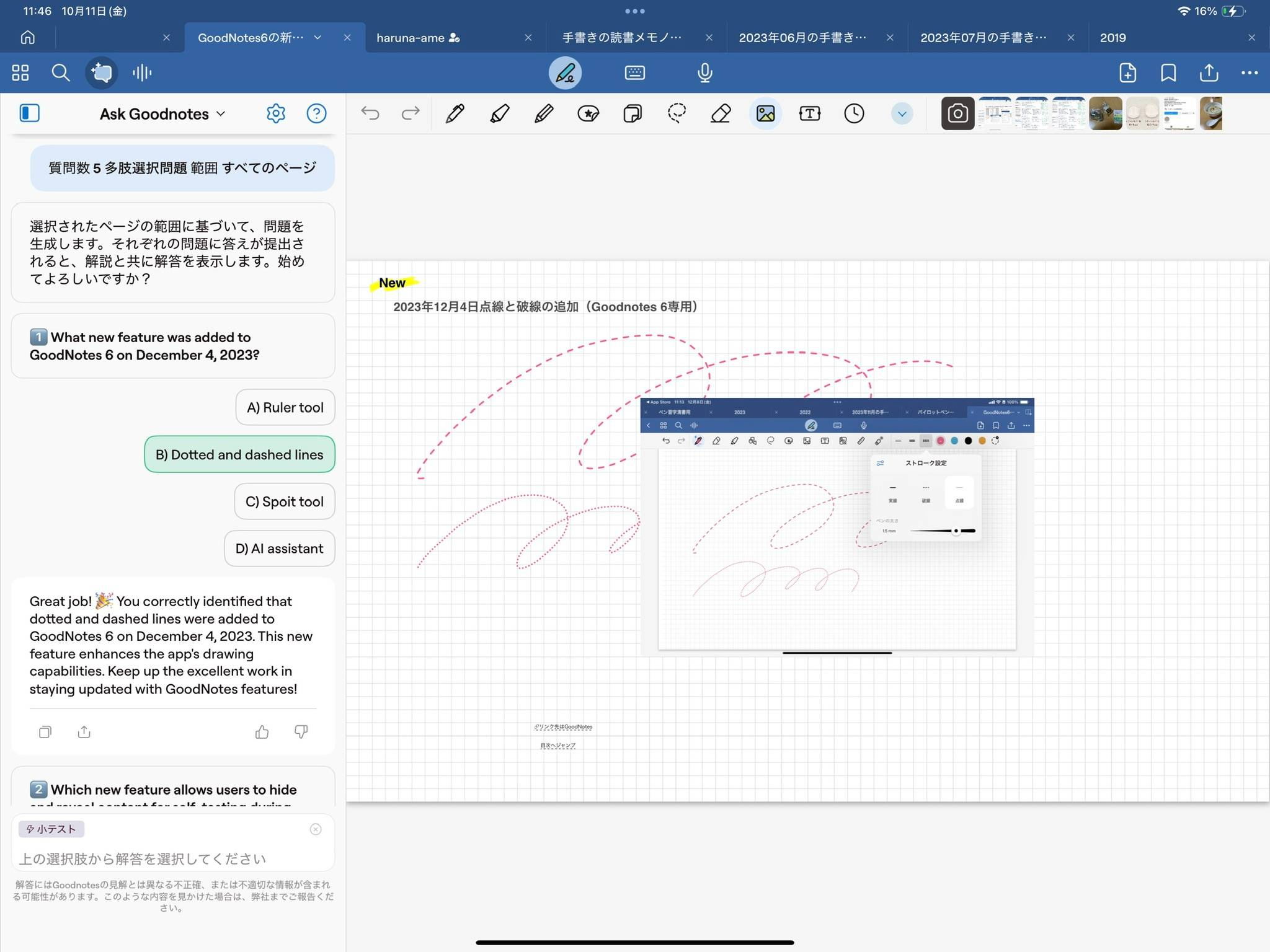
For multiple-choice quizzes, tapping an answer will instantly show whether it’s correct. It even highlights the part of the notes that provided the basis for the question.
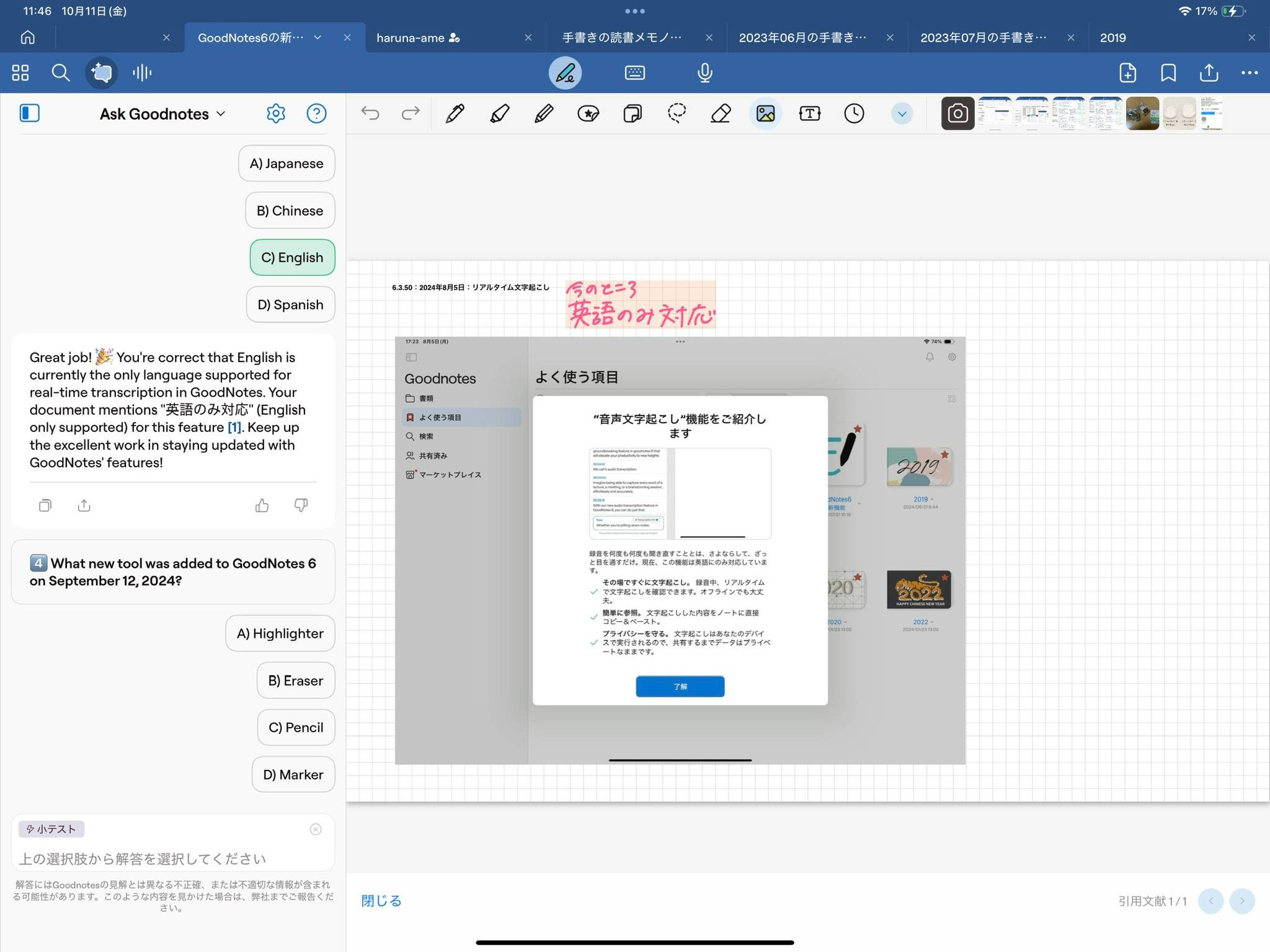
While the feature worked with Japanese content during my tests, the accuracy seemed slightly lower for written answer quizzes—though this might be due to the chaotic state of my own notes.
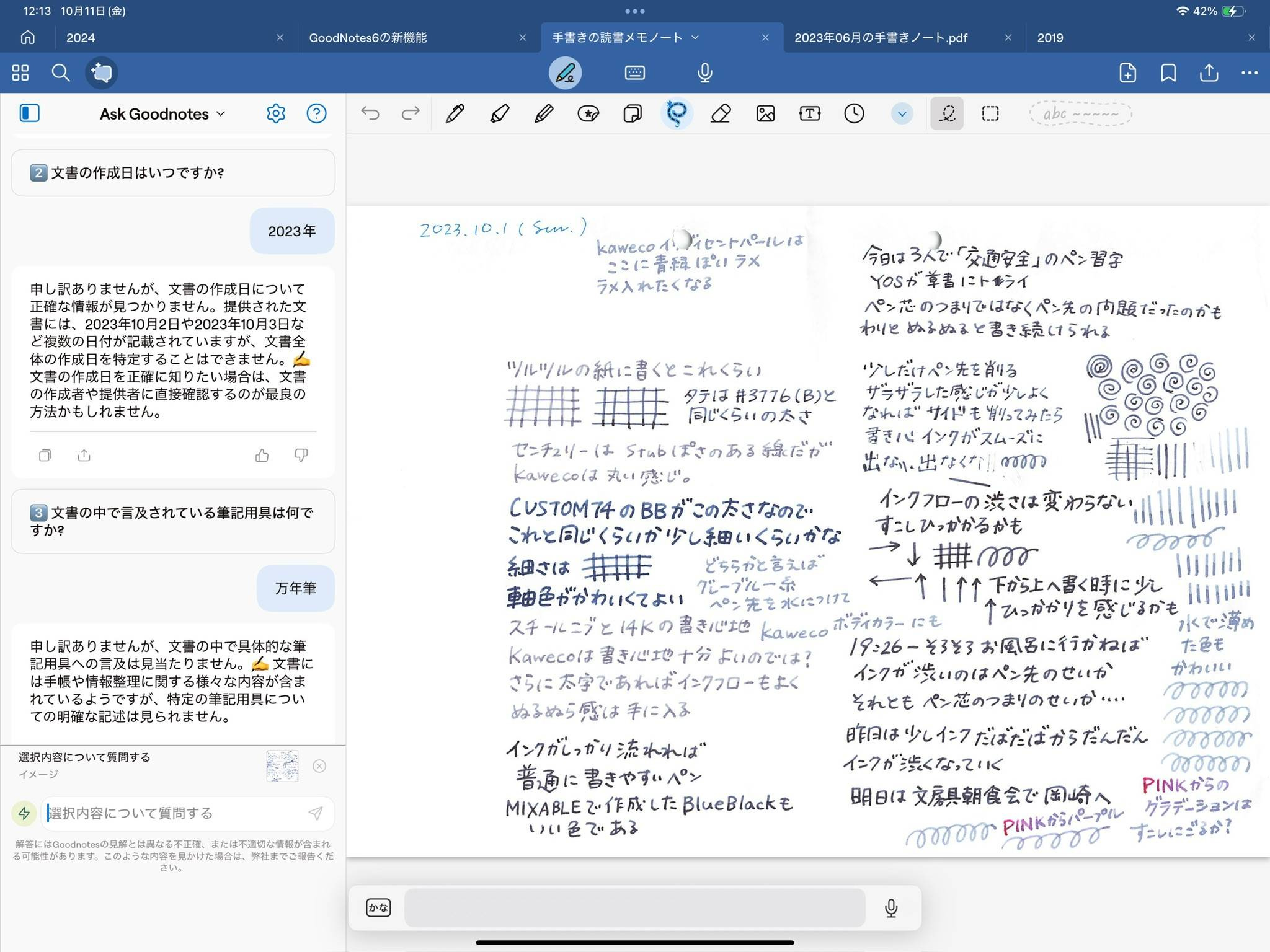
For anyone studying for exams or using Goodnotes for lecture notes, this feature could be a powerful tool.
For another example of how Ask Goodnotes can be used, check out this post about managing household finances with the AI feature.
🚢 The Era of Digital Notes 3.0
With Ask Goodnotes, you can now extract and search for information in handwritten notes faster than ever before. This feature drastically reduces the stress of managing large amounts of data by providing instant access to the details you need.
Even rough ideas scribbled on scratch paper can be quickly organized into polished text for use in presentations, meeting documents, or proposals.
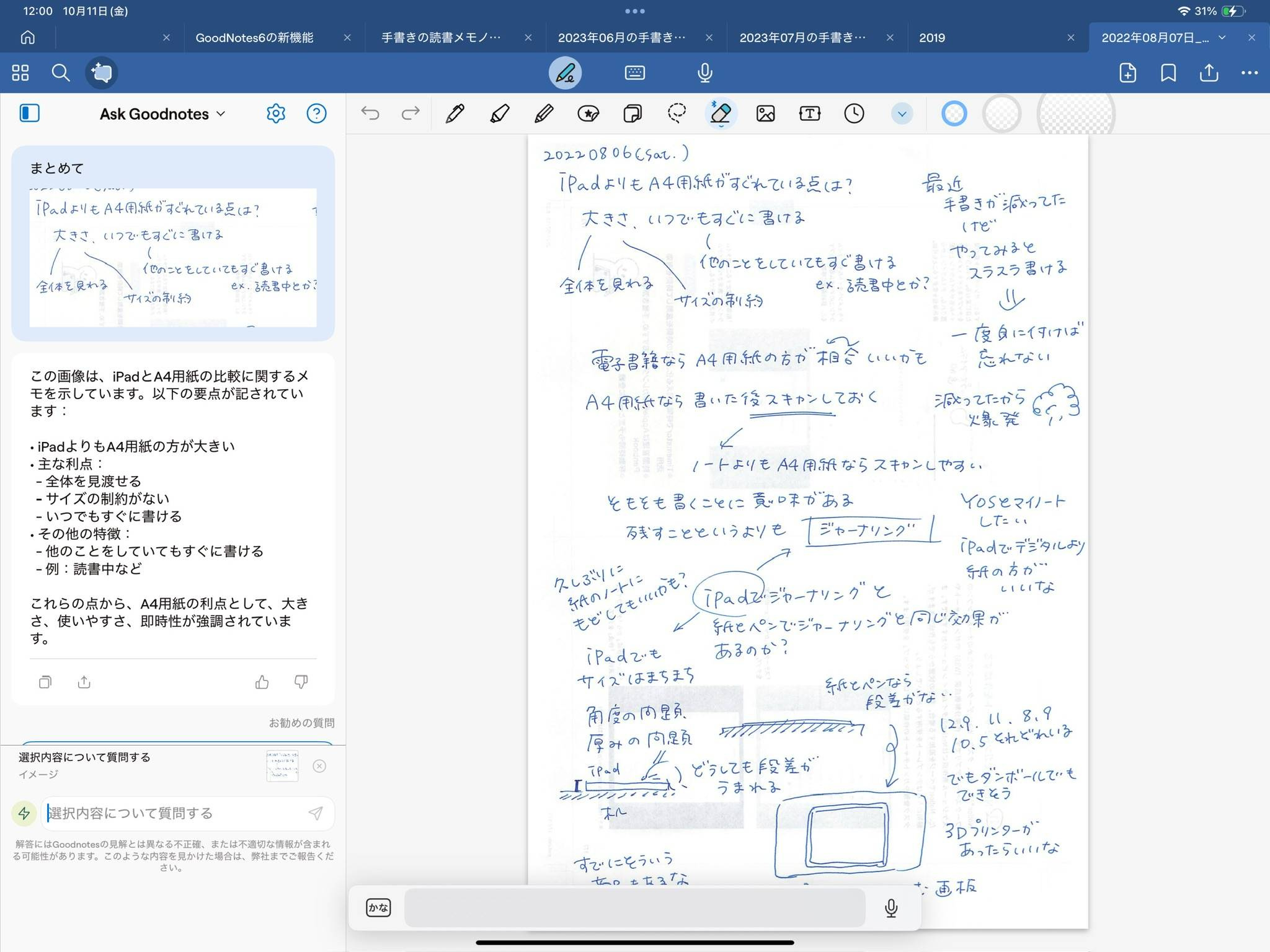
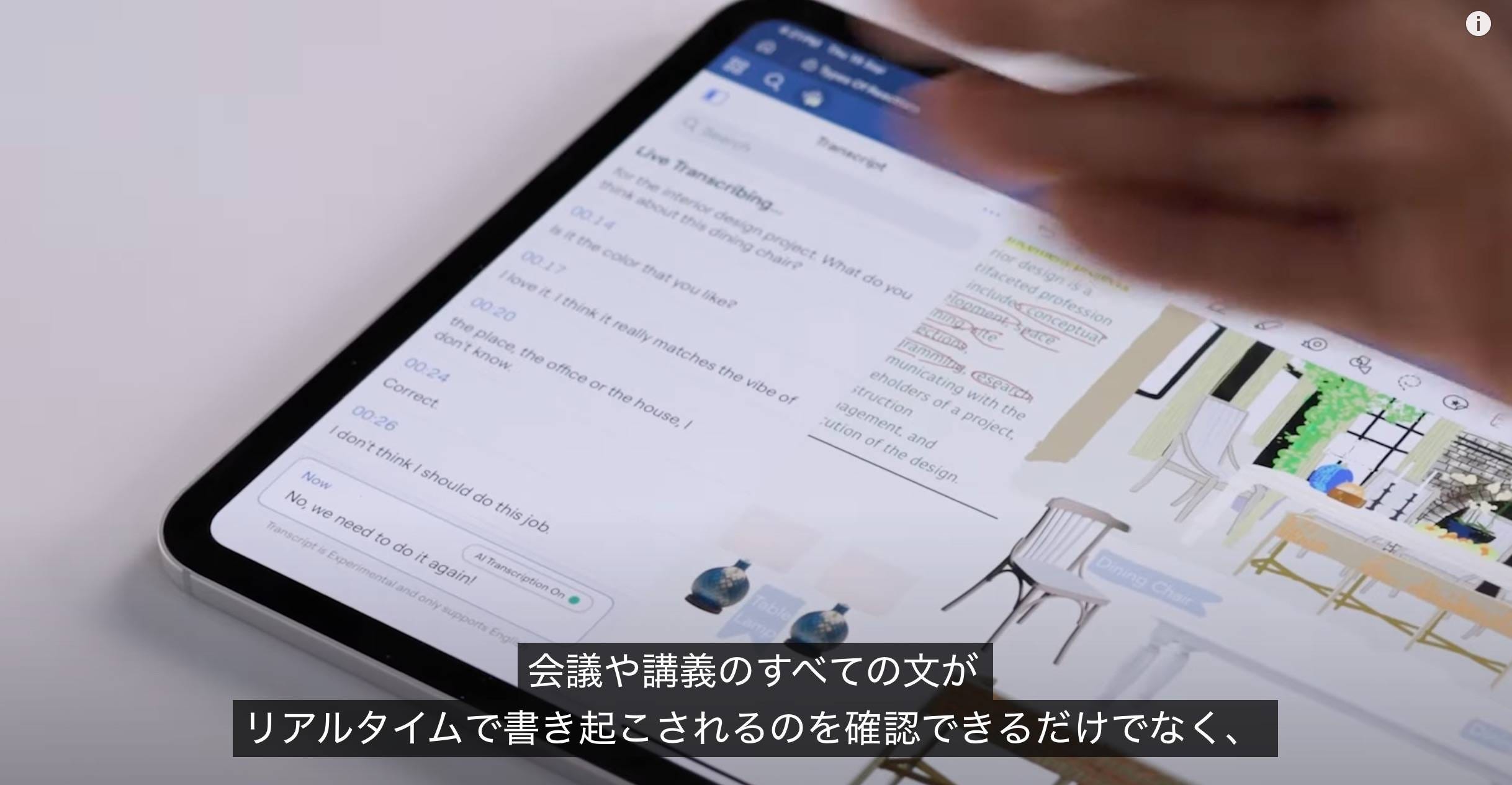
The real-time transcription feature (currently English-only) also makes it easier to create meeting minutes or summarize discussions as they happen.
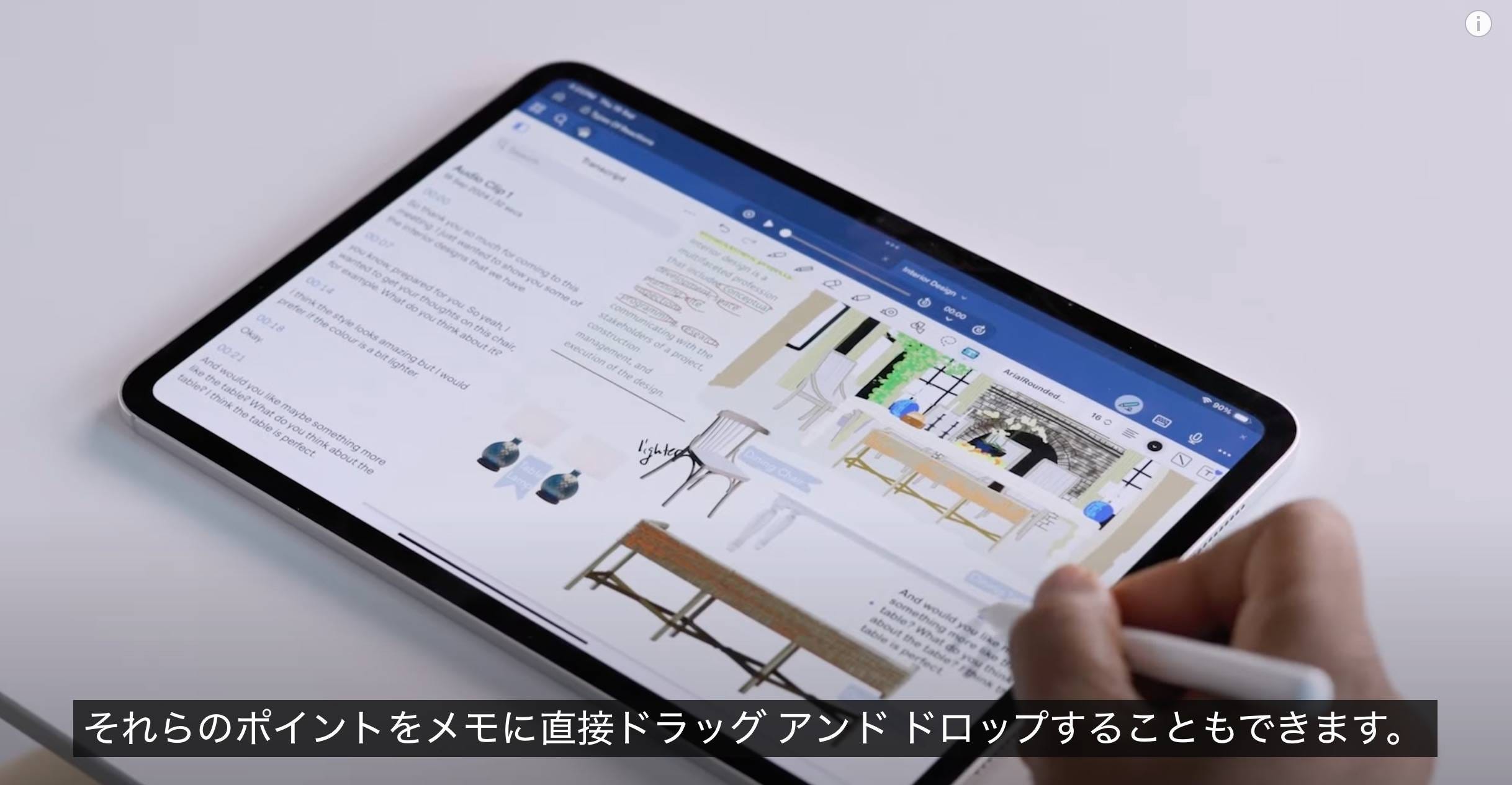
Drag and drop the transcribed text directly into your notes for faster organization.
By not only digitizing handwritten notes but also understanding and interacting with their content, AI transforms your notes into a personal knowledge database. It’s like having a highly skilled assistant always at your side.
This evolution marks the shift from simple digital storage to interactive and personalized knowledge management.
As we move beyond manual search techniques, the future of AI-driven answers is right around the corner.
That’s it for today’s post on the exciting AI features in Goodnotes 6.